
3D exterior house rendering cost typically ranges from $75 to $600 per image for standard residential projects, and $600 to $2,500+ for high-end architectural visualization with advanced lighting and landscaping. Pricing scales with resolution, complexity, revision count, and turnaround speed, not just square footage. For architects, builders, and real estate marketers trying to plan a visualization budget, that range can feel frustratingly wide, and that’s exactly the gap this guide closes.
Every design-build firm, real estate agent, and homeowner eventually asks the same question before commissioning a render: what’s this actually going to cost me? The honest answer is that architectural visualization pricing isn’t a fixed number, it’s a formula built from several moving parts. Understanding those parts, rather than chasing a single “average price,” is what separates a smart buyer from someone who overpays or gets a rushed, low-quality output.
This breakdown walks through every variable that shapes 3D exterior house rendering services pricing, shows real-world price bands by project type, flags the mistakes that quietly inflate budgets, and gives you a step-by-step way to request a quote that won’t come back with surprise add-ons.
What is 3D Exterior House Rendering? A Quick Definition
3D exterior house rendering is the process of turning architectural plans, CAD files, or Revit models into photorealistic images of a building’s outside appearance, complete with lighting, materials, landscaping, and sky conditions. If you’re new to the concept, our earlier guide on what 3D exterior house rendering actually involves covers the production pipeline in more depth.
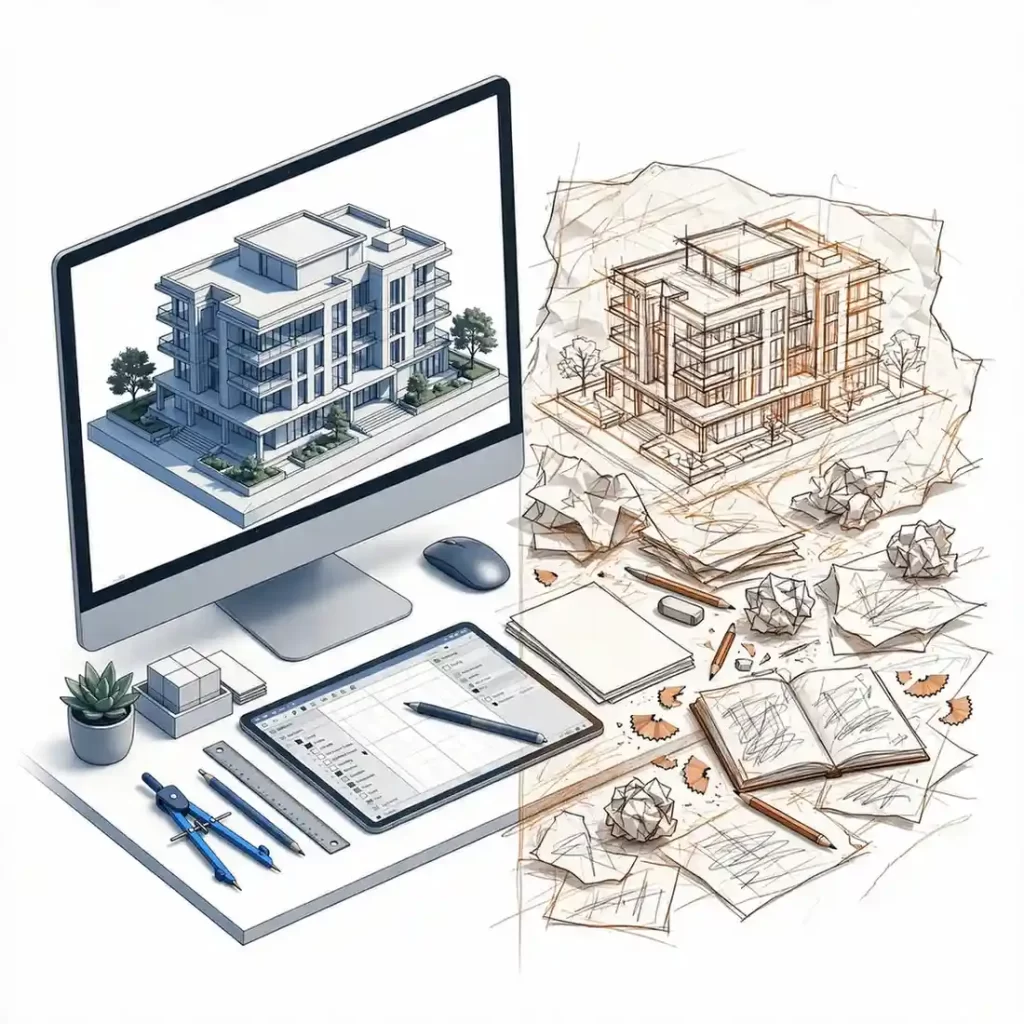
In short, it answers one question before a single brick is laid: what will this building genuinely look like once it’s built?
Average 3D Exterior House Rendering Cost by Project Type
Rendering studios rarely publish a single flat rate, because a single-family home render and a 40-unit residential complex render draw on completely different amounts of modeling time. Still, industry pricing tends to cluster into recognizable bands.
| Project Type | Typical Cost per Image (USD) | Typical Turnaround |
|---|---|---|
| Single residential exterior (basic) | $75 – $200 | 2 – 4 days |
| Single residential exterior (photorealistic, landscaping) | $200 – $450 | 3 – 6 days |
| Custom luxury home exterior | $450 – $900 | 5 – 8 days |
| Multi-unit residential / townhome cluster | $500 – $1,200 per building | 7 – 12 days |
| Commercial exterior (retail, office) | $600 – $1,500 | 7 – 14 days |
| Aerial / site context rendering | $700 – $2,000+ | 8 – 15 days |
| Animated walkthrough (per finished minute) | $1,500 – $5,000+ | 3 – 6 weeks |
These figures represent common market ranges rather than any single vendor’s fixed price list, and they shift based on the factors covered next. Consequently, treat this table as a planning reference, not a binding quote.
The 7 Factors That Actually Drive Rendering Pricing
Rather than asking “what does a render cost,” a more useful question is “which of these seven variables apply to my project?”
1. Level of Photorealism Required
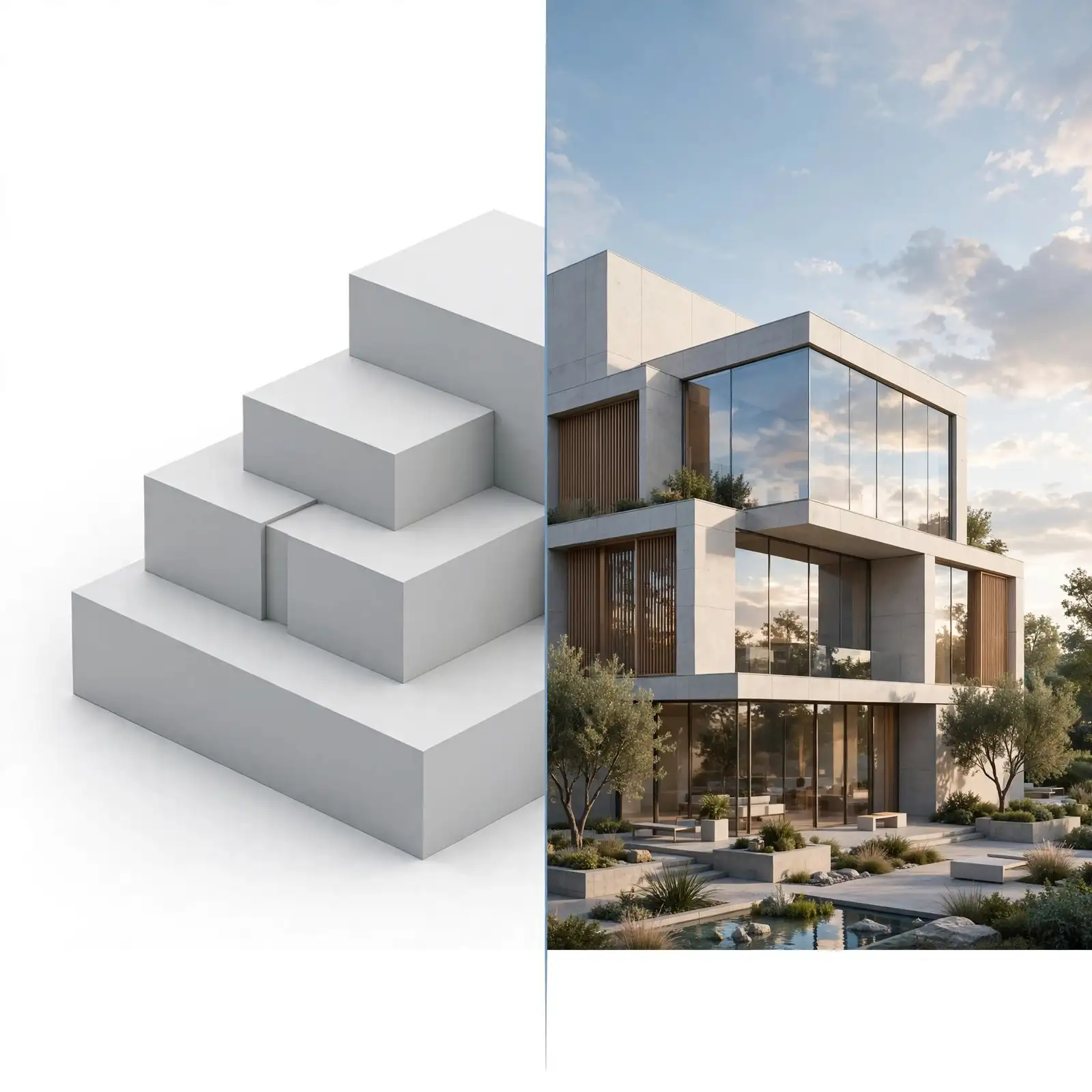
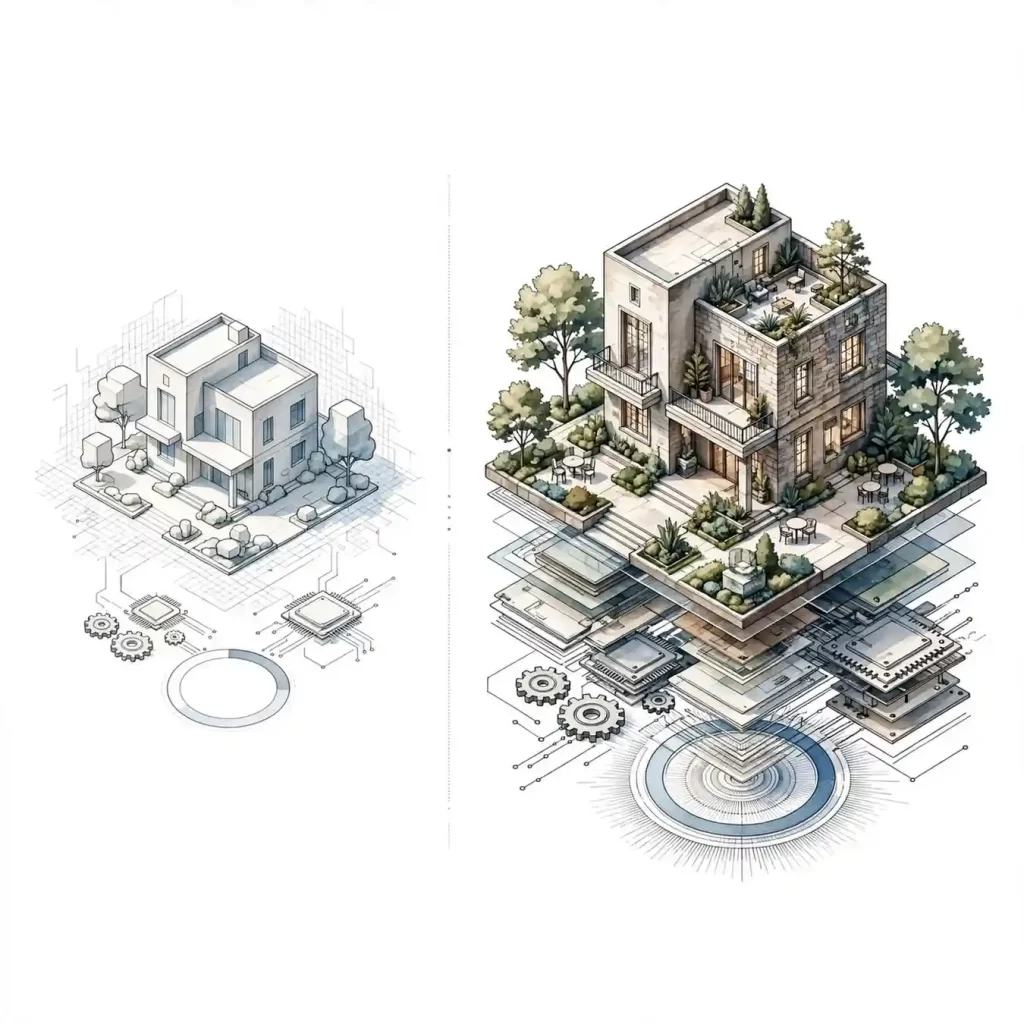
A simple massing model with flat lighting costs far less than a fully dressed scene with realistic glass reflections, weathered materials, and cinematic sky conditions. Higher realism means more time spent on texture mapping, lighting simulation, and post-production color grading.
2. Resolution and Output Format
Images destined for a billboard or large-format print need significantly higher render resolution than a thumbnail for a listing site, and that resolution directly affects render engine processing time.
3. Number of Revisions Included
Most studios bundle two or three rounds of revisions into a base price. Additional revision rounds, especially ones that involve structural changes rather than color tweaks, are usually billed separately.
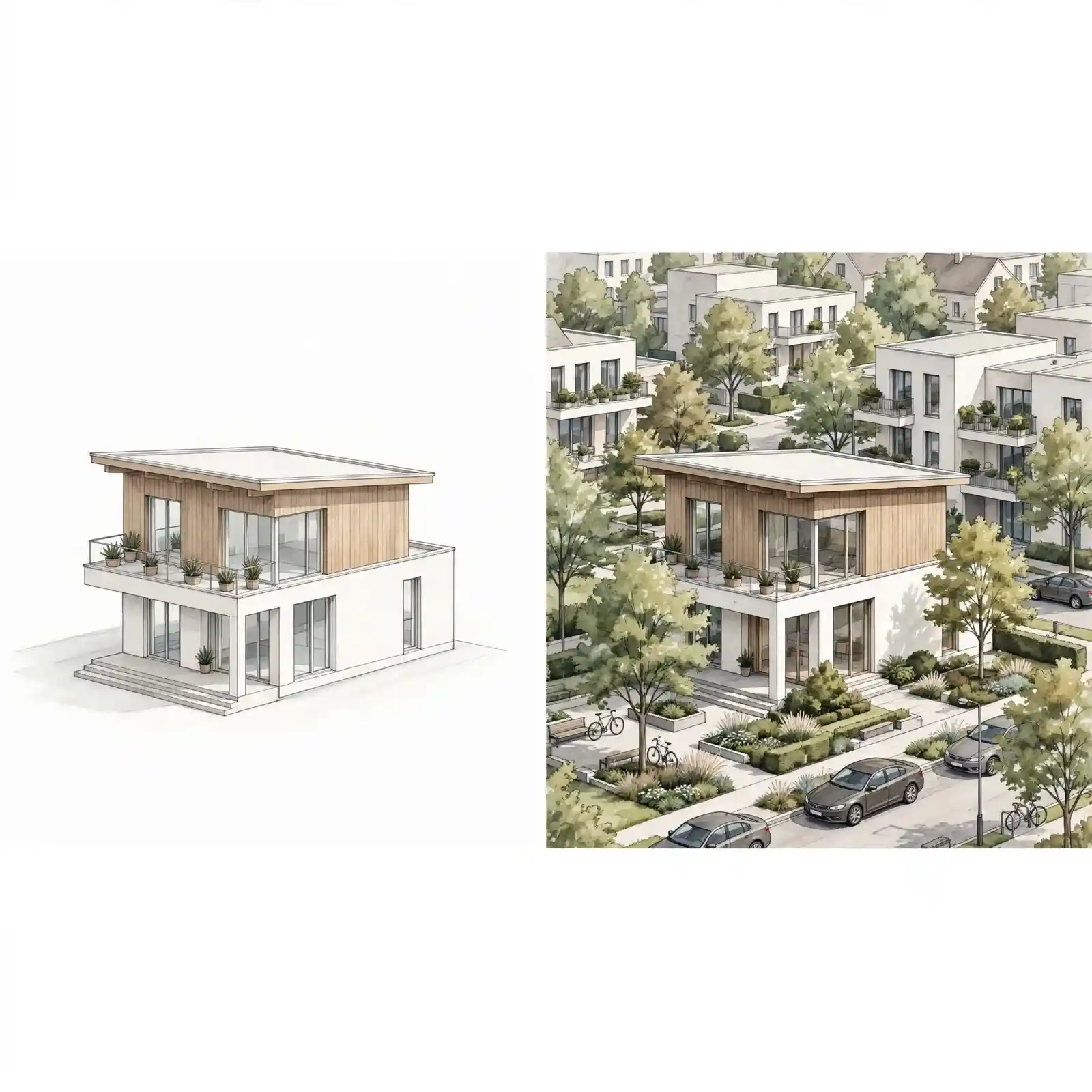
4. Landscaping, Context, and Surroundings
A render that only shows the building against a plain backdrop is cheaper than one showing full landscaping, neighboring structures, streetscape, and seasonal context.
5. Turnaround Time
Rush delivery, often 48 hours or less, typically carries a premium of 25% to 50% over standard timelines because it forces the studio to reprioritize its render queue.
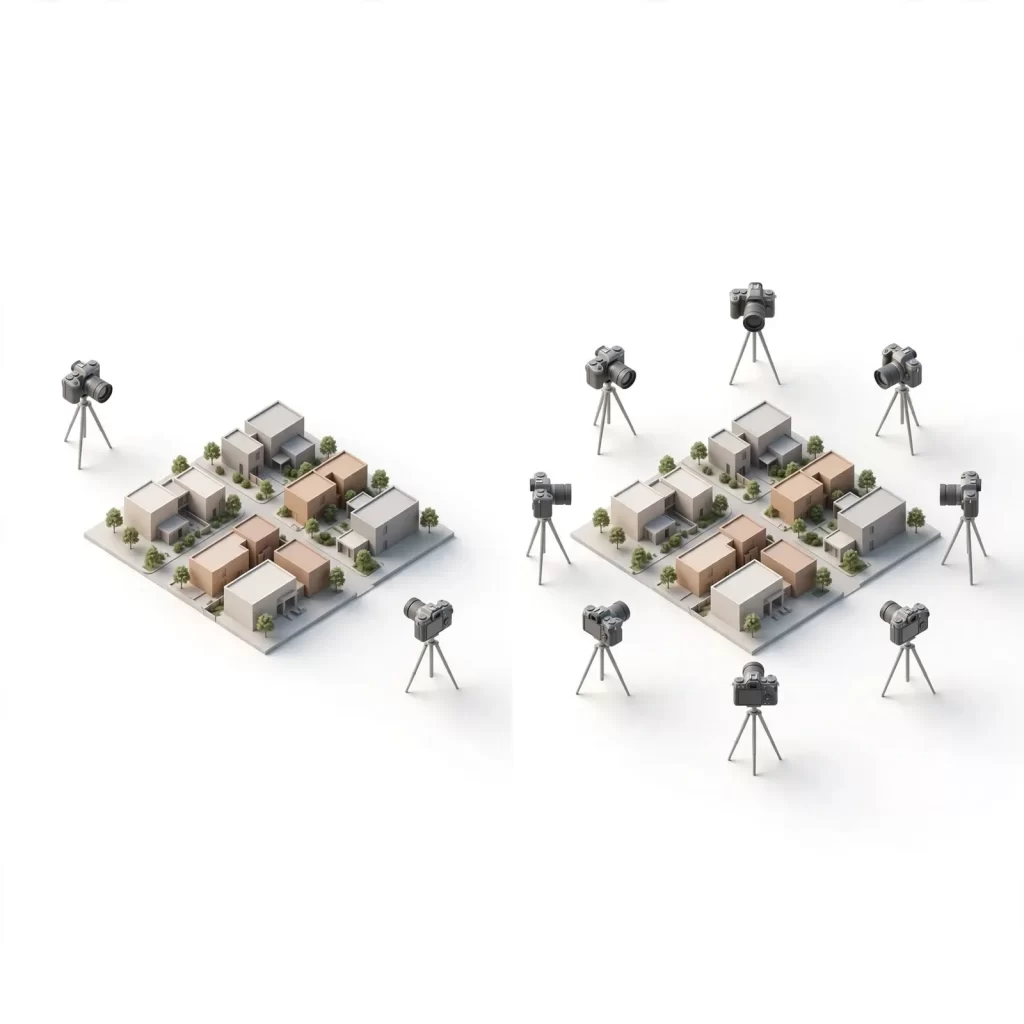
6. Camera Angles and View Count
Pricing is generally per image, so a project needing six angles costs proportionally more than one needing two, although most studios offer a modest per-image discount for bulk view orders.
7. Source File Quality
Clean, complete CAD or Revit models speed up the modeling phase considerably. Incomplete or rough sketches require the studio to make design assumptions or request clarifications, which adds both time and cost.
Pricing Model Comparison: Per-Image vs. Package vs. Subscription
Studios generally offer one of three commercial structures, and choosing the right one for your workflow matters as much as the per-image number itself.
| Pricing Model | Best For | Typical Cost Structure | Trade-Off |
|---|---|---|---|
| Per-image / à la carte | One-off projects, single listings | Fixed price per rendered view | Highest flexibility, least predictable for repeat work |
| Project package | Full home or development launch | Bundled rate for a fixed set of views + revisions | Better per-image value, less flexible mid-project |
| Monthly subscription / retainer | Builders and agencies with ongoing volume | Flat monthly fee for a capped image quota | Lowest per-image cost, requires consistent volume to justify |
If you’re commissioning renders regularly, for instance, a builder marketing multiple listings a month, a retainer model usually brings the effective 3D exterior house rendering cost down by 20% to 40% compared to one-off orders.
In-House Rendering vs. Outsourcing: A Cost Comparison
Some firms consider hiring a full-time visualization artist instead of outsourcing. Here’s how the economics typically compare.
| Factor | In-House Artist | Outsourced Studio |
|---|---|---|
| Annual cost | $55,000 – $85,000 salary + software licenses + hardware | Pay only per project or retainer |
| Software/hardware overhead | $3,000 – $8,000/year (render engine license, GPU workstation) | Included in vendor pricing |
| Scalability during busy season | Limited to one artist’s capacity | Studio can scale team as needed |
| Idle cost during slow months | Salary continues regardless of workload | Zero cost when no projects are active |
| Turnaround for urgent requests | Dependent on one person’s availability | Studio can prioritize with team backup |
For firms producing fewer than roughly 40 to 50 renders a year, outsourcing to a dedicated exterior rendering studio is almost always the more cost-efficient path, since it converts a fixed salary cost into a variable, project-based one.
Common Budgeting Mistakes That Inflate 3D Rendering Costs

Even experienced developers fall into predictable traps when budgeting for visualization work.
Mistake 1: Requesting quotes without finalized floor plans
Every design change after modeling begins triggers rework charges.
Mistake 2: Underestimating revision needs
Assuming “unlimited revisions” without confirming what counts as a revision versus a change order.
Mistake 3: Ignoring licensing terms
Some studios charge extra for full commercial usage rights across print, web, and social media.
Mistake 4: Choosing the cheapest bid blindly
Extremely low quotes often mean outsourced subcontracting with inconsistent quality control.
Mistake 5: Skipping a detailed brief
Vague instructions like “make it look nice” lead to mismatched expectations and costly do-overs.
Mistake 6: Not asking about rush fees upfront
Discovering a 40% rush surcharge mid-project derails budgets fast.
Avoiding these six missteps alone can prevent a project from quietly overshooting its rendering budget by 20% or more.
Expert Tips to Get the Best Value on Your Render
Getting a strong return on your rendering spend isn’t about finding the lowest price, it’s about eliminating wasted cycles.
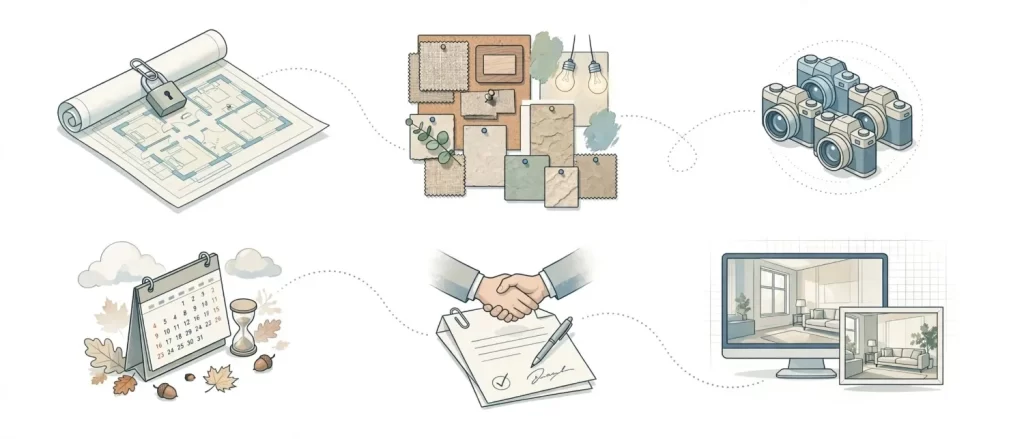
Tip 1: Lock your floor plans before requesting quotes.
Finalized plans mean the quote you receive is the one you’ll actually pay.
Tip 2: Provide reference images.
A short mood board of lighting style, material finishes, and camera angles saves multiple revision rounds.
Tip 3: Batch your camera angles.
Ordering all views for a project at once is almost always cheaper than commissioning them separately over time.
Tip 4: Ask for a sample render first.
Reputable studios will often provide a small test render or share a relevant portfolio piece before you commit to a full package.
Tip 5: Clarify usage rights in writing.
Confirm whether the price includes commercial use across marketing channels, or just personal viewing.
Tip 6: Time your order outside peak season.
Spring listing season tends to compress studio turnaround times and can trigger rush pricing; ordering in slower months often costs less.
Step-by-Step: How to Request an Accurate 3D Rendering Quote
Following a consistent request process is the single fastest way to get a quote that matches your final invoice.
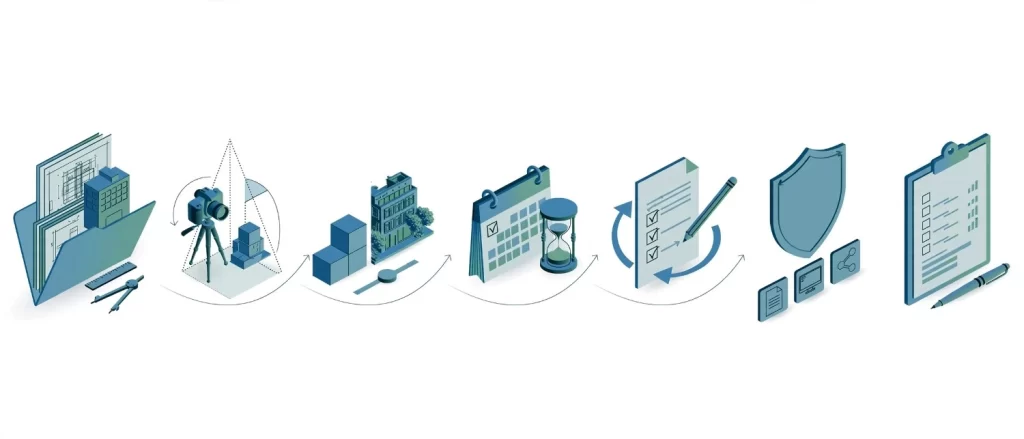
Step 1: Gather your source files.
Compile CAD drawings, Revit models, or detailed architectural plans, since incomplete files are the top cause of quote inflation.
Step 2: Define your camera angles.
Decide how many exterior views you need and from which vantage points.
Step 3: Specify your realism level.
Indicate whether you need basic massing visuals or fully photorealistic, landscaped scenes.
Step 4: State your deadline honestly.
Give your real deadline upfront rather than negotiating rush pricing later.
Step 5: Clarify revision expectations.
Ask exactly how many revision rounds are included and what qualifies as a “revision.”
Step 6: Confirm licensing needs.
Specify where the images will be used, print, web, social, or all three.
Step 7: Request an itemized quote.
A transparent studio will break down cost by view count, complexity, and turnaround rather than giving one lump figure.
Buyers who follow this sequence typically avoid the mid-project cost surprises that make rendering budgets balloon.
Frequently Asked Questions
What is the average 3D exterior house rendering cost for a single home?
For a standard single-family home with one to two photorealistic exterior views, the typical 3D exterior house rendering cost falls between $200 and $450 per image, depending on landscaping detail and lighting complexity.
Does 3D exterior rendering cost more than 2D architectural drawings?
Yes, generally. 2D drawings are primarily technical documentation, while 3D rendering involves modeling, texturing, lighting simulation, and post-production, all of which add production time and therefore cost.
Why do rendering quotes vary so much between studios?
Quotes vary because studios differ in realism standards, included revision counts, software used, and whether pricing bundles usage rights. Two quotes for the “same” render can represent very different scopes of work.
Is it cheaper to render multiple angles of the same house at once?
Usually, yes. Since the base 3D model only needs to be built once, ordering several camera angles in a single project typically costs less per image than commissioning them individually over time.
Do rendering studios charge extra for commercial usage rights?
Some do. It’s worth confirming upfront whether your quote includes full commercial usage across marketing, print, and social media, or only limited personal or presentation use.
How long does a typical exterior rendering project take?
Standard residential exterior renders usually take three to eight days depending on complexity, while rush orders can be delivered in 24 to 48 hours for an added fee.
Conclusion
3D exterior house rendering cost isn’t a mystery once you understand the variables behind it, realism level, revision count, camera angles, and turnaround speed all combine to shape the final invoice far more than square footage alone. Armed with the price bands, comparisons, and step-by-step request process above, you’re now positioned to budget accurately and avoid the common mistakes that inflate rendering spend.
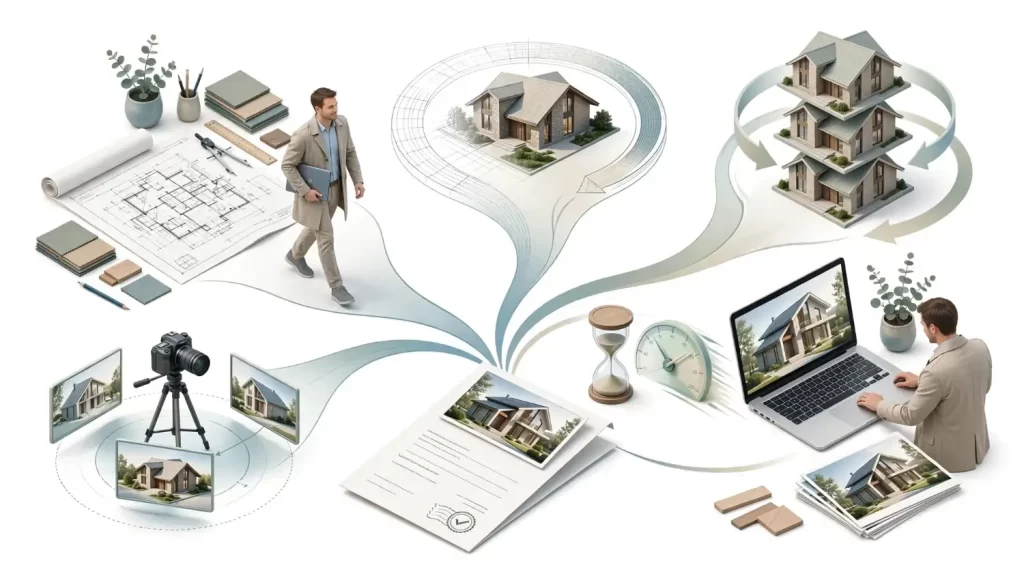
If you’re ready to move from planning to production, and see exactly what photorealistic exterior visualization looks like for your project.