
In the 3D exterior rendering vs physical scale model debate, 3D rendering is the more useful option for most projects today, because it delivers photorealistic, climate-aware, fully editable views of a home’s facade, materials, lighting and landscape at a fraction of the cost and turnaround of a handcrafted maquette. A physical scale model still wins in narrow cases that depend on tactile massing study, in-person ceremonial presentation or planning-board display, where stakeholders need to walk around a tangible object. The best-performing teams treat the two as complementary: they validate design intent digitally through 3D visualization and commission a physical model only when a specific audience or approval process demands one.
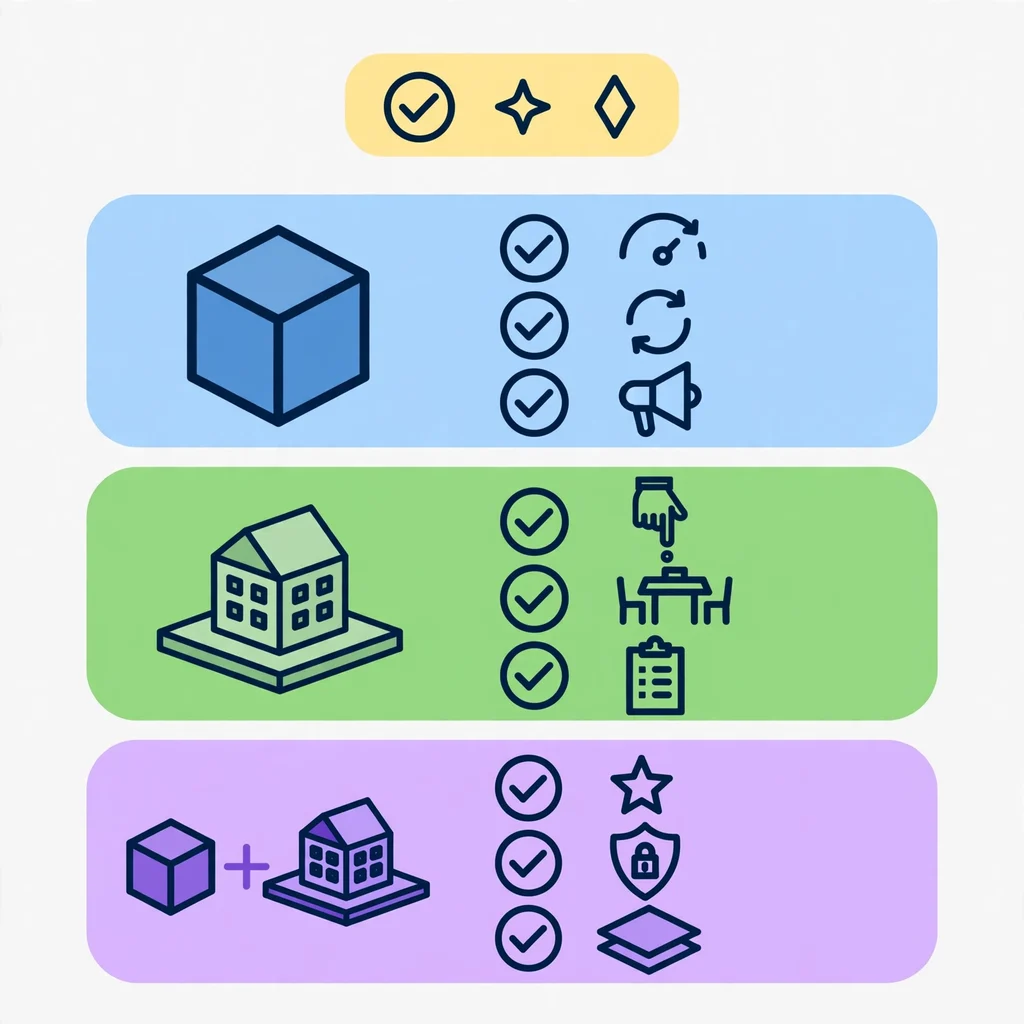
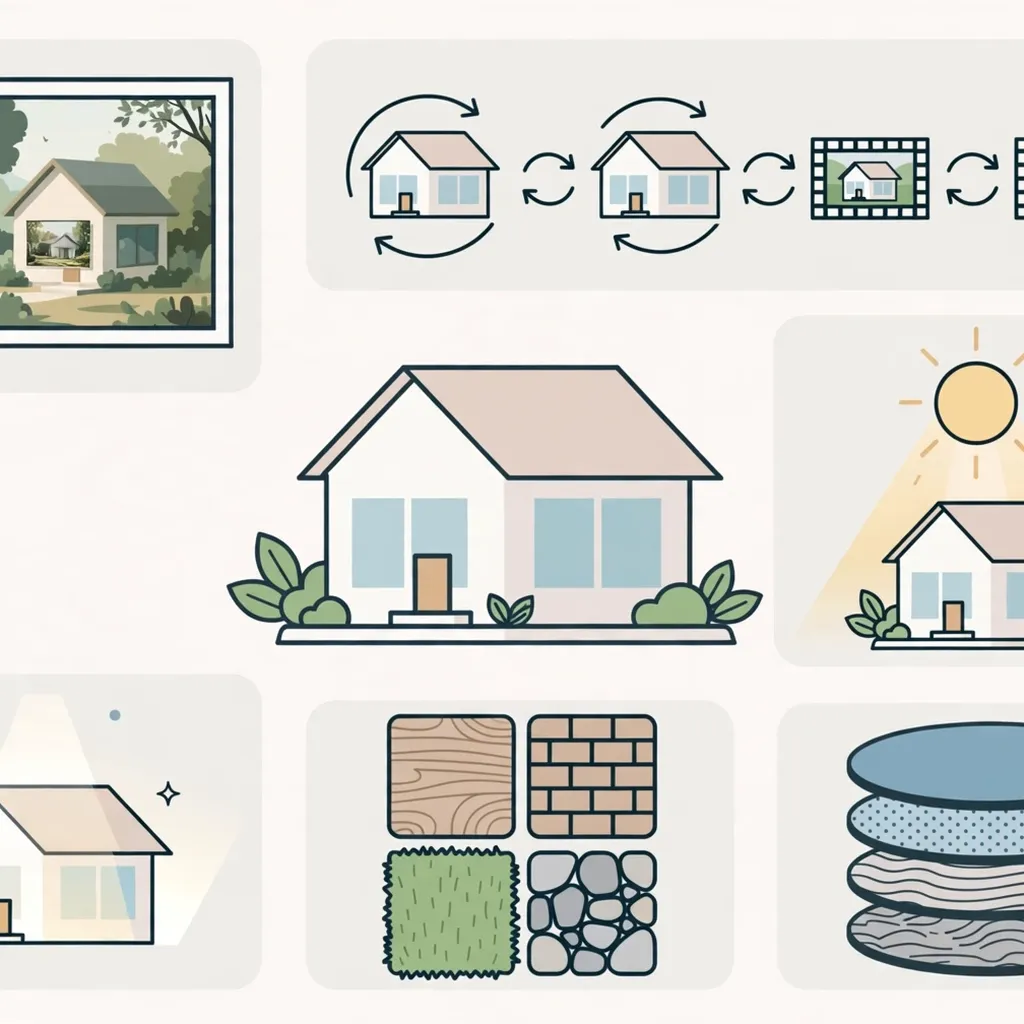
For teams that need a faster route from concept to client approval, photorealistic architectural visualization pipelines now compress what used to take weeks of model-making into a few revision-friendly review cycles.
Quick Answer: Which Is More Useful Today?
Short on time? Here is the direct answer.
- Choose 3D exterior rendering when you need realism, fast revisions, marketing visuals, material testing, lighting studies and easy sharing across devices.
- Choose a physical scale model when you need a tactile object for a boardroom, a planning committee, a sales gallery or a client who thinks spatially by touch.
- Choose both when the project is large, high-value or heavily regulated, and each audience values a different format.
In short, rendering is more useful for the majority of homeowners, architects, builders and agents. A physical model is more useful for a small set of specific moments.
Why This Comparison Matters Right Now
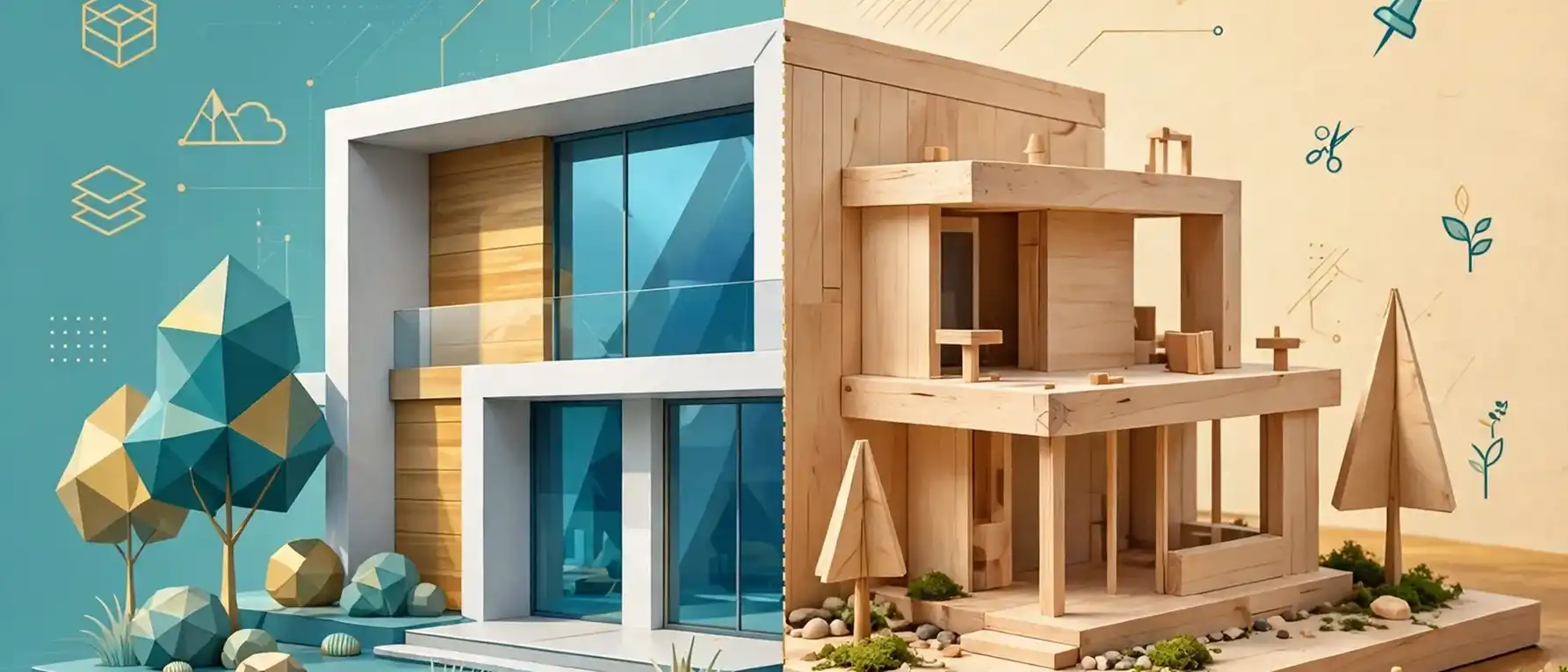
Design teams used to rely on balsa wood, foam board and acrylic. Today, a client can view a fully lit exterior on a phone in minutes. As a result, the question is no longer “which one is better?” but “which one fits this decision, this audience and this budget?”
That shift matters for three reasons:
- Approval cycles are shorter. Clients expect to react to visuals within days, not weeks.
- Marketing starts earlier. Builders and agents now sell homes before ground is broken.
- Budgets are tighter. Every revision to a physical model costs labor and material, while digital revisions cost studio time.
Consequently, understanding the trade-offs saves real money. It also prevents the most common mistake: paying for a deliverable that the audience never needed.
What Is 3D Exterior Rendering?
3D exterior rendering is the process of building a digital model of a building’s outside and converting it into a photorealistic still image, animation or interactive view using lighting, materials, textures and landscaping.
A rendering studio starts with plans, elevations or a 3D model. Next, artists apply materials such as brick, stucco, timber cladding and glazing. After that, they set the sun position, sky conditions, vegetation and surrounding context. Finally, a render engine calculates how light behaves across every surface.
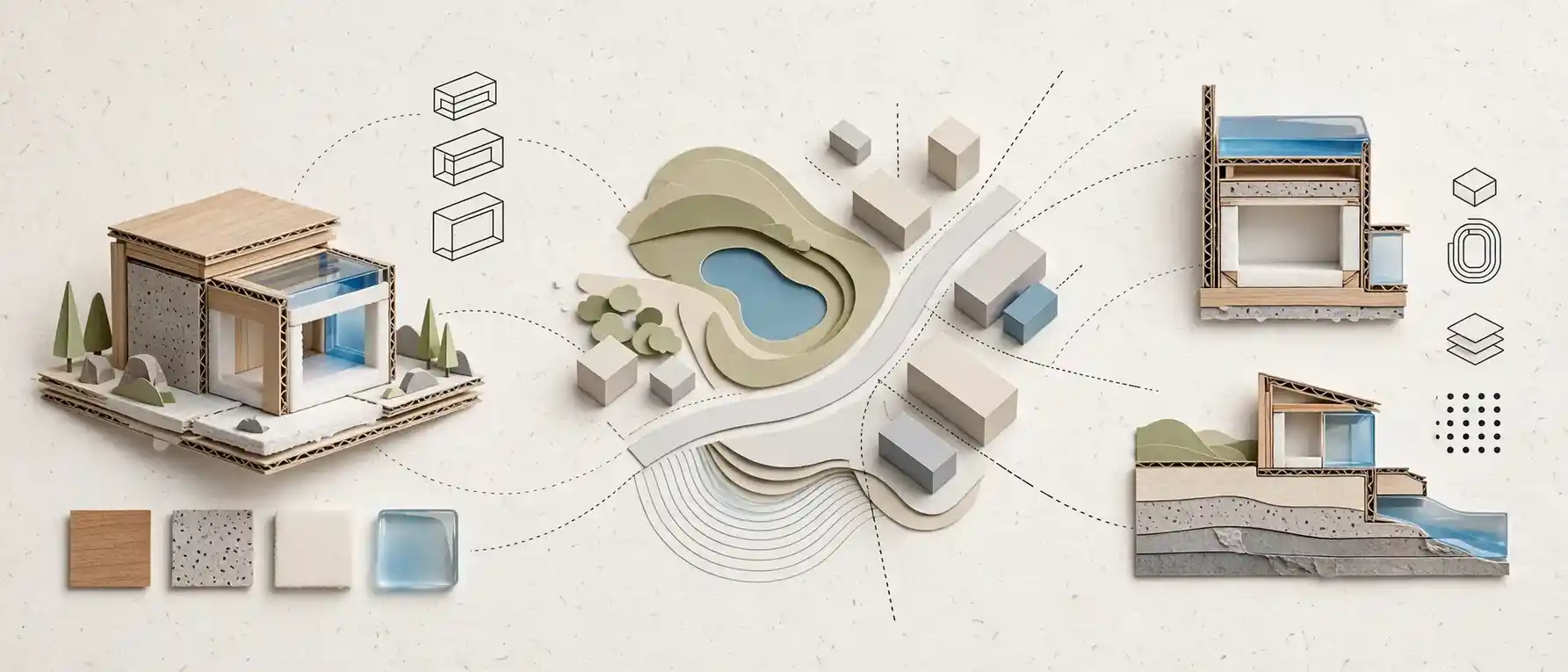
If you want the full technical background, this guide on what 3D exterior house rendering actually involves walks through the workflow from file intake to final delivery.
What a typical 3D exterior rendering package includes
- Daytime hero view of the front elevation
- Dusk or twilight view with interior lighting
- Aerial or bird’s-eye view showing the lot and landscape
- Material and color variations for client choice
- Optional walkthrough animation or 360-degree view
Modern engines such as V-Ray from Chaos simulate global illumination and physically based materials. Because of that, the final image can be difficult to distinguish from a photograph.
What Is a Physical Scale Model?
A physical scale model is a handcrafted or machine-fabricated miniature of a building, built at a fixed ratio such as 1:50 or 1:100, used to study massing, proportion and site relationships in three dimensions.
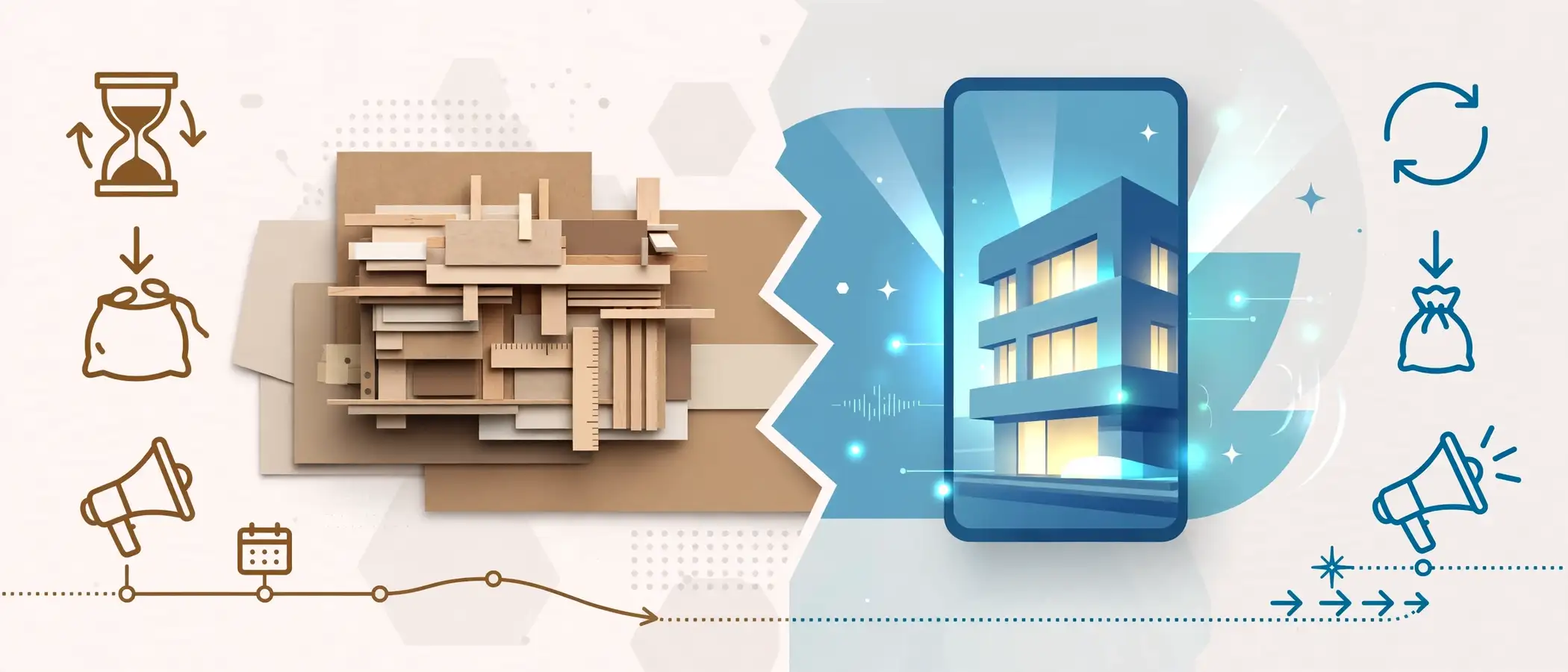
Architects have used models for centuries. Even now, many studios keep a workshop for this purpose. Materials usually include basswood, chipboard, foam core, acrylic and 3D-printed resin.
Common types of architectural scale models
- Massing or study models: Quick, abstract blocks that test volume and form.
- Presentation models: Detailed, polished pieces with facade textures, landscaping and lighting.
- Site or context models: Show the building within terrain, roads and neighboring structures.
- Sectional models: Cut-away views that reveal structure or interior layout.
Typical scales and what they show
Notably, scale also limits realism. At 1:50, a brick course is simply too small to replicate faithfully. The model suggests the material; it does not show it.
| Scale | Typical Use | Level of Detail |
|---|---|---|
| 1:200 | Neighborhood or masterplan | Massing only |
| 1:100 | Whole building or small estate | Basic facade rhythm |
| 1:50 | Single house presentation | Windows, roof, porch, basic landscaping |
| 1:20 | Detail or facade study | Material junctions, trims, railings |
3D Exterior Rendering vs Physical Scale Model: Side-by-Side Comparison
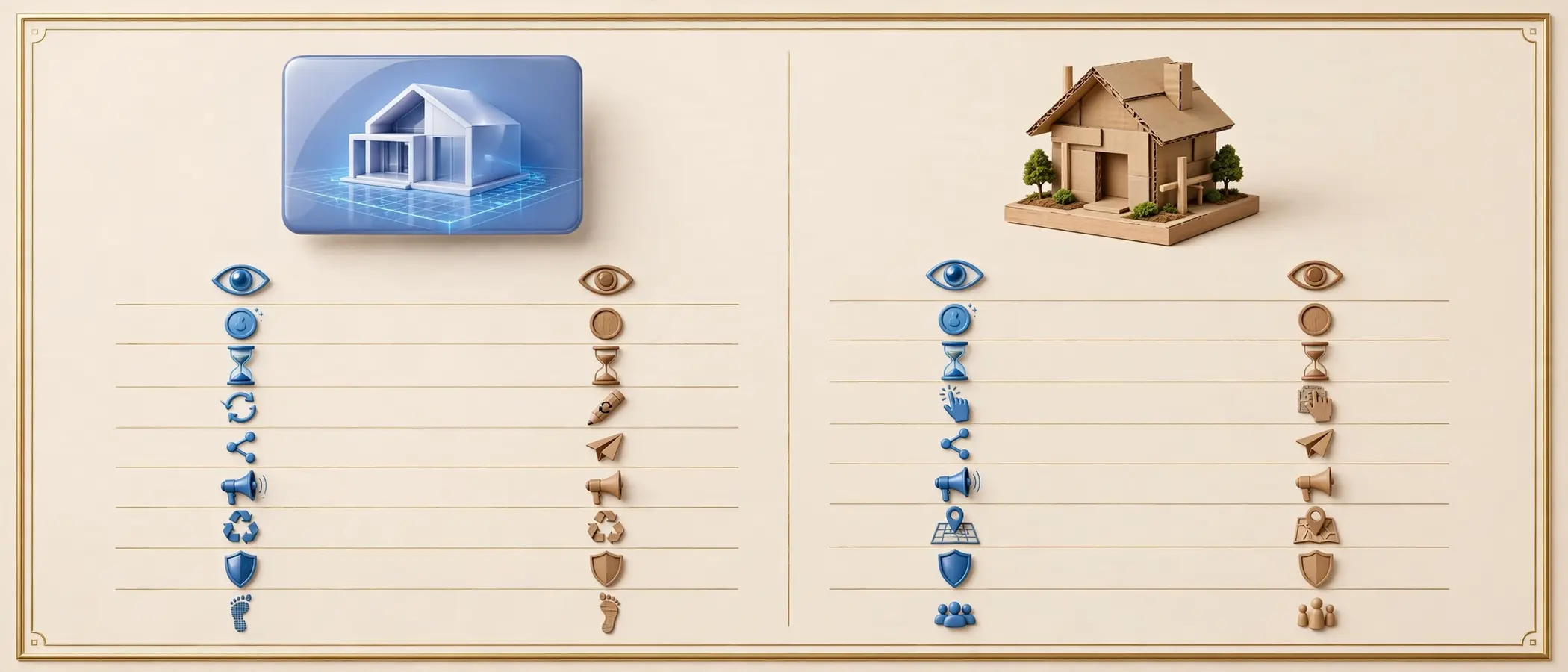
The table below summarizes how each option performs across the factors that matter most to decision-makers. Ratings are general and vary with project size and studio quality.
| Factor | 3D Exterior Rendering | Physical Scale Model |
|---|---|---|
| Realism of materials and light | Very high; photoreal textures and sun studies | Moderate; materials are suggested at small scale |
| Cost (typical small house) | Lower; scales well across multiple views | Higher; labor and material intensive |
| Turnaround | Days to a couple of weeks | Often several weeks |
| Revision flexibility | High; edit the file and re-render | Low; major changes mean partial or full rebuild |
| Tactile, in-person experience | None, unless paired with VR | Strong; people can circle and touch it |
| Shareability | Instant; email, web, social, print | Limited; transport and display required |
| Marketing reuse | Excellent; websites, brochures, ads, MLS | Limited; photos of a model feel dated |
| Context and landscaping | Realistic vegetation, weather, time of day | Stylized trees and ground |
| Durability and storage | Digital files last indefinitely | Fragile; needs space and protection |
| Environmental footprint | Low | Higher; materials, shipping, disposal |
| Best audience | Homeowners, buyers, agents, online audiences | Boards, committees, exhibition visitors |
As the comparison shows, rendering wins on speed, flexibility and reach. Physical models win on tactile engagement.
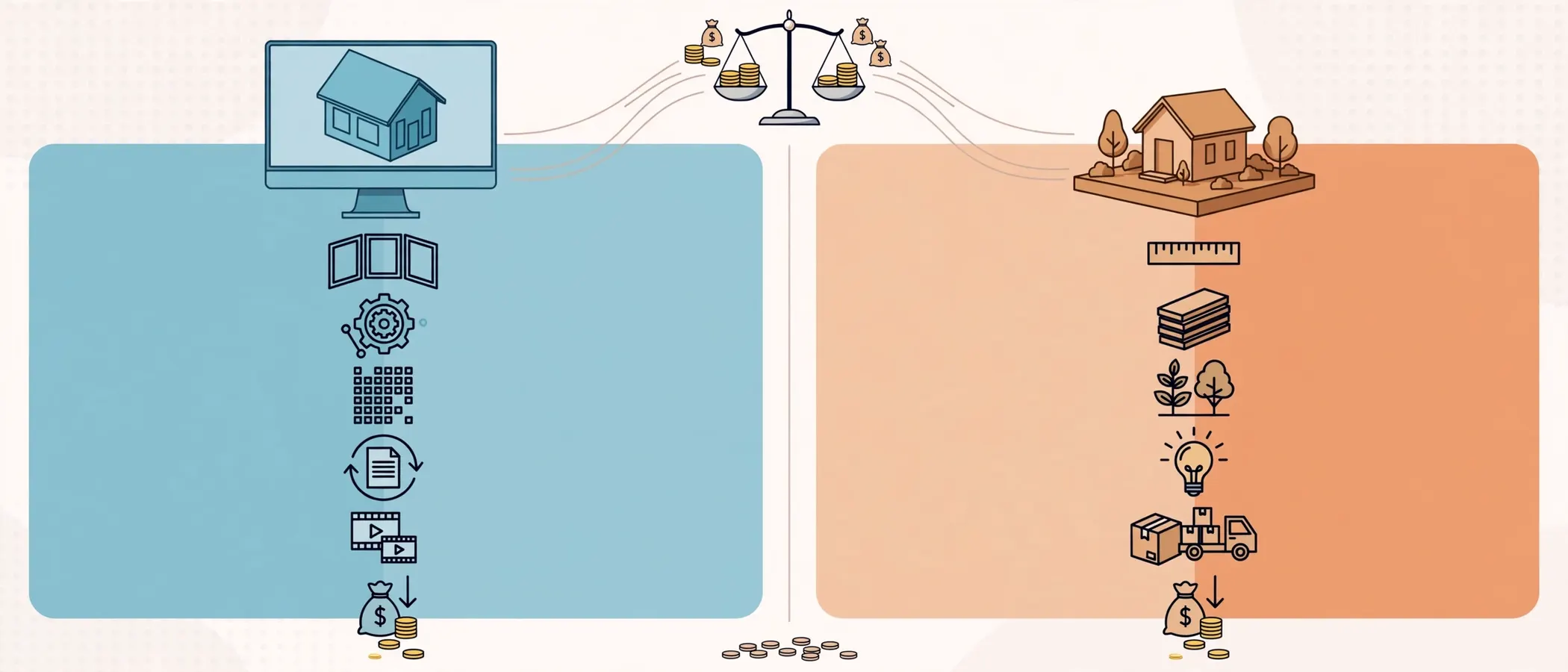
Cost: Where the Money Actually Goes

Budget is often the first filter, so it deserves a closer look.
Cost of 3D exterior rendering
A rendering fee typically depends on:
- Number of views requested
- Complexity of the architecture and landscape
- Resolution and output format
- Number of revision rounds
- Whether animation or 360-degree tours are included
Because the 3D model is reusable, each extra camera angle costs far less than the first. Likewise, changing a facade color or roof material is a light edit rather than a rebuild.
Cost of a physical scale model
Model-making cost depends on:
- Scale and overall size
- Material choice (basswood, acrylic, resin print)
- Level of landscaping and site context
- Lighting or electronics inside the model
- Crating, shipping and insurance
For example, a detailed 1:50 house model with terrain, trees and interior lighting involves many hours of skilled labor. In addition, any design change after the build can mean cutting and re-gluing, or starting again.
Which gives better value?
For most residential work, rendering delivers more visual information per dollar. However, if a single physical model will be used repeatedly in a sales gallery for a multi-year development, the cost per use drops and the case for a model strengthens.
Speed and Turnaround Time
Time pressure shapes many decisions. Therefore, compare the typical timelines.

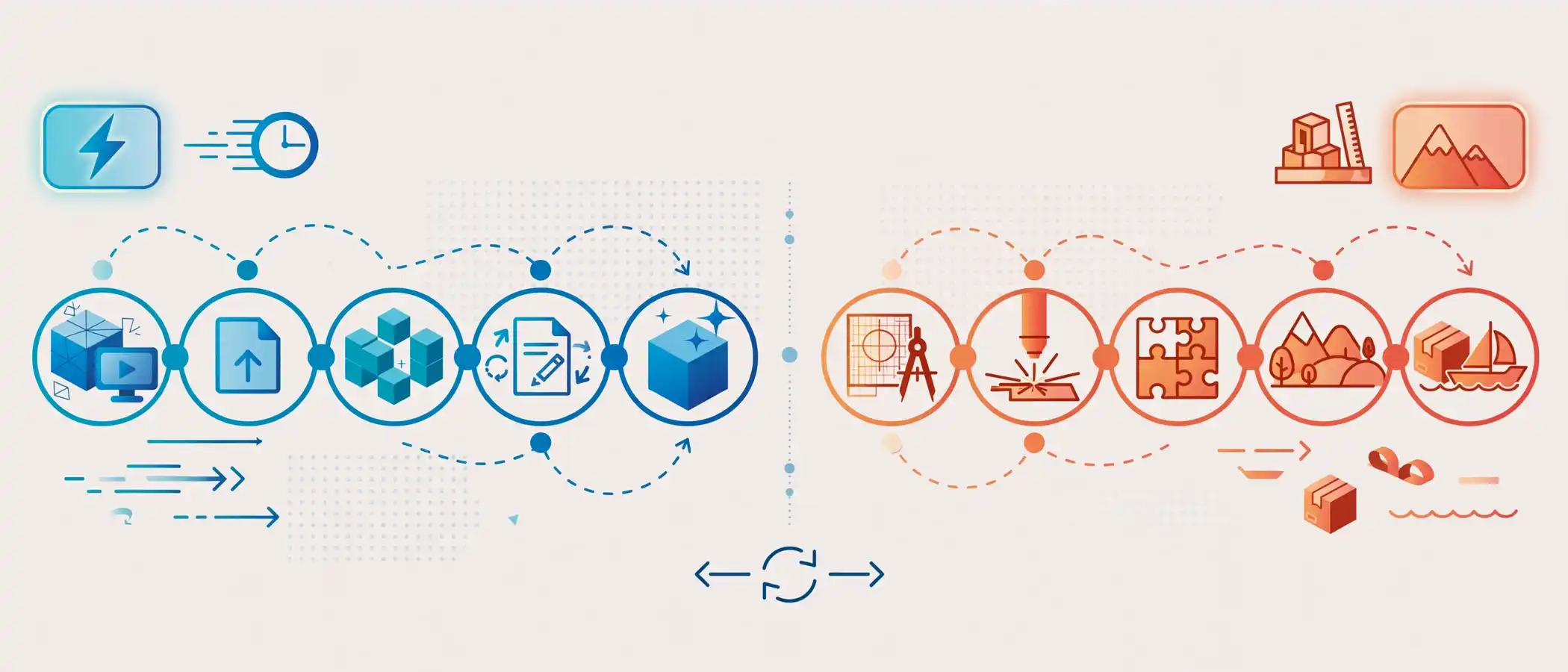
Rendering workflow (typical):
- Submit plans, elevations and reference images.
- Studio builds the 3D model and applies materials.
- Client reviews a draft view.
- Studio applies revisions.
- Final high-resolution images are delivered.
Scale model workflow (typical):
- Finalize drawings and choose scale.
- Cut parts using laser cutter, CNC or by hand.
- Assemble structure and apply facade materials.
- Add landscaping, base and finishing details.
- Pack, ship and install.
Both workflows have five stages. Even so, the rendering process runs on screens, so a revision takes hours. The model process runs on materials, so a revision takes days.
Revision Flexibility and Design Iteration
Design is rarely fixed on day one. Clients change roof pitch, window layout, cladding and landscaping repeatedly.
With rendering, the artist updates the file and re-renders. In contrast, a physical model locks decisions into balsa or acrylic. Consequently, many studios use rendering during the exploration phase and only build a physical model after the design is frozen.
This is one reason architects rely on visual workflows so heavily. You can see the practical side in this overview of how architects use 3D exterior rendering to present designs to clients.
Realism: Light, Material and Context
Realism is where rendering shows its biggest advantage.
What rendering can show that a model cannot
- Accurate sun angles at any hour or season
- True material behavior, such as reflective glass, rough stone and weathered timber
- Atmospheric effects, including fog, rain, dusk and sunrise
- Realistic vegetation that matches local species
- Neighborhood context blended with site photography
A homeowner choosing between warm white stucco and dark charcoal siding can see both versions in identical lighting. That kind of comparison is hard to fake with a miniature.
To understand how artists reach this realism, read this breakdown of what makes an exterior render photorealistic.
Tactile Understanding: Where Physical Models Still Shine
Fairness matters here. Physical models offer something screens cannot: a shared object in a room.
Strengths of a physical model
- Spatial intuition: People instinctively understand height and proportion when they can walk around an object.
- Group discussion: Several people can point, lean in and debate at once.
- Ceremonial value: A handcrafted model signals commitment and craftsmanship at launches and award events.
- Regulatory settings: Some planning boards and community meetings still appreciate a physical display.
- No screen required: Useful in sites with poor connectivity or older audiences who prefer touch.
Limits of a physical model
- Hard to carry to multiple meetings
- Easy to damage in transit
- Difficult to update quickly
- Limited use in online marketing
- Fixed viewpoint set by the viewer’s position, not the designer’s
As a result, a model is best treated as a focused tool, not a default deliverable.
Who Benefits Most? An Audience-by-Audience Breakdown
Usefulness depends on the reader of the deliverable. Therefore, let us walk through the main groups.

Homeowners
Homeowners need confidence before spending a large sum. They want to see paint colors, roof styles, windows and landscaping in context. A render answers those questions quickly and lets them compare options without commitment.
For a deeper look, see how homeowners use exterior visuals before construction begins. Most homeowners find that a handful of renders give them everything they need. A physical model rarely adds enough extra value to justify the cost.
Verdict: Rendering is clearly more useful.
Architects and design studios
Architects use both. During concept development, they build quick study models and test renders. For client presentations, they usually lead with renders because clients respond to realistic images. For awards, exhibitions or planning boards, a polished physical model may add prestige.
The American Institute of Architects (AIA) regularly highlights how digital visualization has become standard in client communication and project delivery.
Verdict: Rendering for day-to-day presentation; physical model for selected high-stakes moments.
Home builders and developers
Builders sell homes that do not exist yet. Therefore, they need visuals that convey quality fast and scale across many lots. Renders support website listings, brochures, signage and social ads. A physical model can anchor a sales center, but it cannot replace marketing visuals.
Here is a closer look at how builders use exterior renders to drive pre-construction sales. Industry groups such as the National Association of Home Builders also track the importance of strong visual marketing in new-home sales.
Verdict: Rendering is the core tool; a model is a supporting display.
Real estate agents and marketers
Agents rely on speed and shareability. A render can appear on a listing page within days of receiving plans. A physical model cannot be posted on a portal or sent in a text message.
Verdict: Rendering is far more useful.
Planning boards, HOAs and community groups
Review committees sometimes prefer a tangible display for public meetings. Even so, many now accept high-quality renders and photomontages because they show materials and landscaping more clearly.
Verdict: Mixed. Check local requirements first.
Educators and students
Students learn massing and structure by building physical models. They learn lighting, materials and presentation by rendering. Both skills matter, so schools often teach both.
Verdict: Both are useful, depending on the learning goal.
Use-Case Matrix: Which Option Fits Your Situation?
| Situation | Best Choice | Why |
|---|---|---|
| Choosing facade colors and materials | 3D rendering | Instant comparisons under identical light |
| Selling homes before construction | 3D rendering | Scalable marketing assets |
| Early massing and form study | Physical model (quick) or 3D sketch | Fast tactile exploration |
| Public planning meeting | Both | Model for the table, render for context |
| High-end sales gallery | Both | Model as centerpiece, renders on screens |
| Remote or international clients | 3D rendering | No shipping, immediate access |
| Design still changing weekly | 3D rendering | Cheap and fast revisions |
| Exhibition or award entry | Physical model | Craft and presence |
| Website, brochure and ad campaign | 3D rendering | Reusable, high-resolution output |
3D Exterior Rendering vs Physical Scale Model: Three Realistic Scenarios
Theory helps, but examples make the trade-offs concrete. The scenarios below are composites of common project types, so use them as a pattern rather than a prediction.
Scenario 1: A family building a custom home
A family has finished a first set of drawings and cannot decide between a gabled roof and a flat roof. They also want to compare three cladding options. A physical model would show the roof shape, but it could not show how each cladding color looks in late afternoon light.
Instead, a rendering studio produces two roof variants in three finishes. The family reviews them on a tablet, shares them with relatives and chooses within a week. Consequently, the design goes to the contractor with fewer open questions.
Result: Rendering saves time and prevents expensive on-site changes.
Scenario 2: A builder launching a 40-home community
A builder needs images for a website, roadside signage and a sales brochure. In addition, the sales team wants something eye-catching for the welcome center.
The builder commissions a render package for each home type, plus a handful of color schemes. Later, the team orders one site-wide presentation model for the sales center. Buyers arrive curious about the model, yet they decide using the renders they take home and share online.
Result: Renders drive the marketing; the model supports the in-person experience.
Scenario 3: A boutique studio presenting to a planning committee
An architect must present a new house in a sensitive neighborhood. Committee members are older, and several prefer printed or physical material. Neighbors also want to understand how the building will sit beside existing homes.
The architect brings a simple massing model to show scale and setback. Alongside it, a set of photomontage-style renders shows materials, trees and street views. As a result, the committee gets both a spatial overview and a realistic impression.
Result: A hybrid package answers different questions for different people.
What these scenarios teach
- Start with the decision, not the format.
- Use renders for realism, speed and reach.
- Use models for presence, scale and live conversation.
- Plan the mix early so the budget does not surprise you later.
Step-by-Step: How to Choose Between Rendering and a Scale Model
Follow these steps to reach a confident decision.
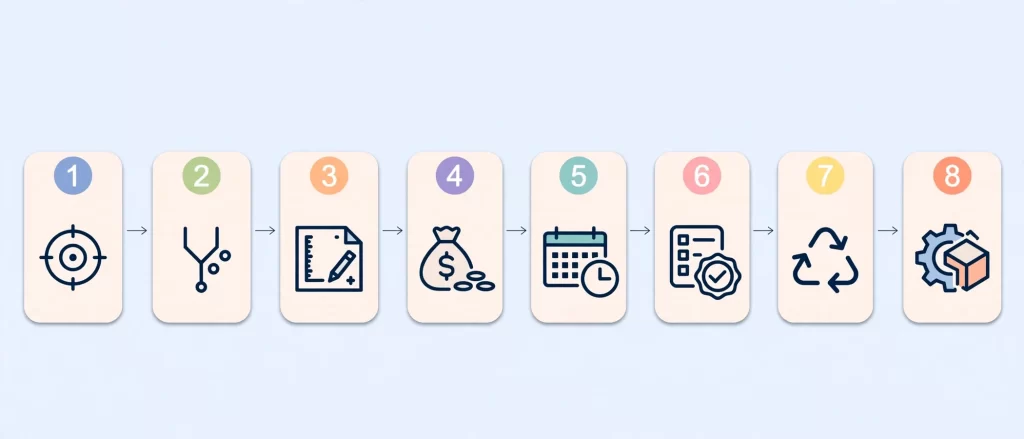
- Define the audience. Identify who will view the deliverable: a buyer, a board, a client or the public.
- Clarify the decision. Decide what the visual must help someone decide, such as approving a design or buying a plot.
- Check the design stage. If the design is still changing, favor rendering. If it is frozen, a model becomes more viable.
- Set the budget. Compare the cost of the first deliverable and the cost of revisions.
- Set the timeline. If you need assets within days, rendering is the only realistic option.
- Review approval requirements. Confirm whether local authorities or stakeholders expect a physical model.
- Plan for reuse. Ask where else the visual will appear: web, print, social media, signage.
- Decide on a hybrid. If two audiences need two formats, budget for both from the start.
This process also helps when selecting a vendor. For help on that step, review how to choose a 3D exterior house rendering company.
The Hybrid Approach: Getting the Best of Both
Many successful projects combine formats. The workflow usually looks like this:
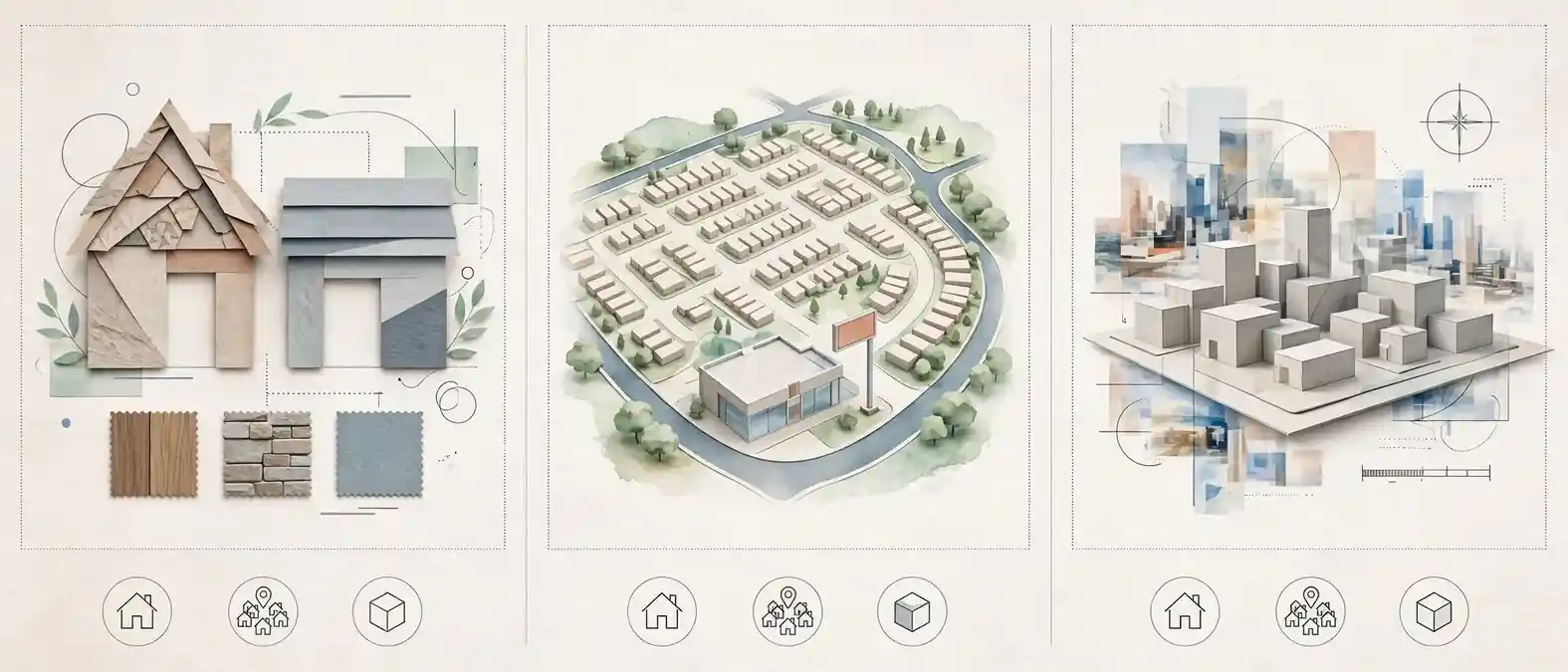
- Concept phase: Use quick digital sketches and, if useful, a rough massing model.
- Design development: Use 3D rendering to test materials, lighting and landscaping.
- Client approval: Present polished renders to confirm choices.
- Marketing phase: Reuse renders across web, print and ads.
- Special events: Commission a presentation model for the sales center or exhibition.
Furthermore, today’s tools bridge the gap. Designers can export the same 3D file to a 3D printer to create a physical model from the digital design. Likewise, they can place a rendered view inside a virtual reality headset to give clients a walk-around experience without any physical build.
Practical Insights From Real Project Work
Experience across residential projects points to a few consistent patterns.
- Clients decide faster with realistic images. When a facade color is shown in context, objections drop and approvals come sooner.
- Material samples still matter. A render is not a substitute for a physical swatch. Smart teams show both before ordering.
- Dusk views sell. Warm interior light against a deep blue sky creates emotional impact that a daylight model cannot match.
- Landscaping changes perception. Mature trees and layered planting can transform how a house feels. Renders let clients test this early.
- Source data decides quality. Accurate drawings produce accurate visuals. Poor drawings produce guesses, whether digital or physical.
If you are curious about the tooling behind these results, this overview of software used for 3D exterior house rendering explains the common platforms.
Common Mistakes When Choosing Between the Two
![[STRIPPED 65 bytes]](https://vhage.com/wp-content/uploads/2026/10/STRIPPED-65-bytes.webp)
Avoid these traps.
- Treating a model as the only “serious” option. Many buyers assume a handcrafted object is more credible. In reality, a high-quality render often communicates more.
- Ordering a model too early. Building before the design is final leads to costly rebuilds.
- Skipping context in renders. A house floating on a blank lot looks fake. Always include landscape, sky and neighbors.
- Ignoring the audience. A planning board and a home buyer need different formats.
- Choosing by price alone. The cheapest option can cost more if it cannot be reused or updated.
- Providing weak reference files. Unclear drawings lead to slow revisions in either format.
- Forgetting delivery needs. Models require shipping and display space. Renders require correct file sizes and color profiles for print and web.
Expert Tips for Better Results
- Start with one hero view. Lock the best angle first, then expand to other views.
- Request a twilight version. It consistently performs well in marketing.
- Use material boards. Share swatches and product links so the artist matches real products.
- Ask for variants. Two or three color schemes help clients decide without further meetings.
- Pair a render with a printed site plan. The combination clarifies layout and appearance together.
- Print renders at high resolution. A large framed render can serve as a “display piece” in a sales office at lower cost than a model.
- Consider VR for tactile impact. If you want clients to feel the space, a headset can deliver that effect without fabrication.
Sustainability and Long-Term Value
Digital assets create little waste. Once a 3D scene exists, studios can generate new views, animations or marketing crops without new materials. In comparison, a physical model consumes wood, plastic or resin, and it often ends up stored or discarded after the project.
Meanwhile, long-term file reuse adds value. A builder can repurpose the same house model for a dozen lots by swapping colors and landscaping. That kind of reuse is hard to achieve with a physical build.
Trends Shaping the Choice Today
Several trends continue to tilt the balance toward digital workflows:
- Real-time engines and VR allow interactive walkthroughs.
- AI-assisted tools speed up routine tasks such as entourage placement and variant creation.
- Online-first buying means more clients first see a home on a screen.
- Remote collaboration reduces the need for in-person model reviews.
- 3D printing lets teams create small physical models directly from the same digital file.
Nevertheless, physical models are not disappearing. Instead, they are becoming specialized: premium, symbolic and event-focused.
Quick Decision Summary
Here is a scannable summary for busy readers.
- Pick rendering if you need speed, realism, flexibility and marketing reach.
- Pick a scale model if you need a tactile centerpiece for a specific audience or event.
- Pick both if your project is large, regulated or sales-driven.
- Skip the model if your design is still changing or your audience is remote.
- Skip the render if you only need a quick, rough massing study.
Frequently Asked Questions
Is 3D exterior rendering better than a physical scale model?
For most projects, yes. Rendering offers higher realism, faster revisions, easier sharing and lower cost per view. A physical scale model is better only when a tactile, in-person display is essential.
What is the main difference in 3D exterior rendering vs physical scale model use?
Rendering is a digital image or animation that shows materials, light and context. A physical scale model is a miniature object that shows form and proportion. Therefore, rendering is stronger for marketing and design decisions, while a model is stronger for hands-on spatial study.
Which is cheaper: a 3D render or a scale model?
A 3D render is usually cheaper, especially when you need several views or revisions. Model-making involves skilled labor, materials and transport, which raise the total cost.
How long does each option take?
Rendering often takes days to a couple of weeks, depending on complexity and revisions. A detailed physical model usually takes longer, because fabrication and finishing are manual or machine-limited.
Can I use both a rendering and a physical model on the same project?
Yes. Many teams use renders for design approval and marketing, then add a presentation model for a sales gallery or public hearing. A hybrid plan covers different audiences without duplicating effort.
Do planning boards accept 3D renderings instead of models?
Often they do, but requirements vary by location. Check with your local authority before you decide. When in doubt, supply a high-quality render package and ask whether a physical model is also required.
Is a physical model more accurate than a render?
Not necessarily. A model shows true proportions at small scale, but it cannot show real materials, lighting or landscape. A well-made render can be equally accurate in geometry and far more accurate in appearance.
Can a 3D file be turned into a physical model?
Yes. A clean 3D model can be exported for 3D printing or CNC cutting. This approach lets teams build a physical model from the same digital source used for rendering.
Conclusion: Which Is More Useful in Present and for Whom?
The 3D exterior rendering vs physical scale model decision comes down to audience, timing and purpose. Rendering is the more useful choice for homeowners, architects, builders and agents because it is faster, more flexible, more realistic and easier to share. A physical scale model remains valuable for tactile presentations, ceremonial moments and certain public reviews.
![[STRIPPED 70 bytes] (1)](https://vhage.com/wp-content/uploads/2026/10/STRIPPED-70-bytes-1.webp)
For most teams, the smartest plan is simple: validate and market the design with renders, then add a physical model only if a specific audience needs one. That approach protects budget, shortens approvals and keeps the design flexible until the last moment.
If you are planning a new build or preparing a sales launch, request a photorealistic exterior render before you break ground and see your design the way your clients will.